GatorNor Weather Alert
Stay ahead of rain and thunder — the app watches your spots and alerts you in time.
🪟 Windows 10/11 (64-bit)
📦 1.0.0 • 02.09.2025
⬇️ ~75 MB
🔐 No account / no data collection
Features
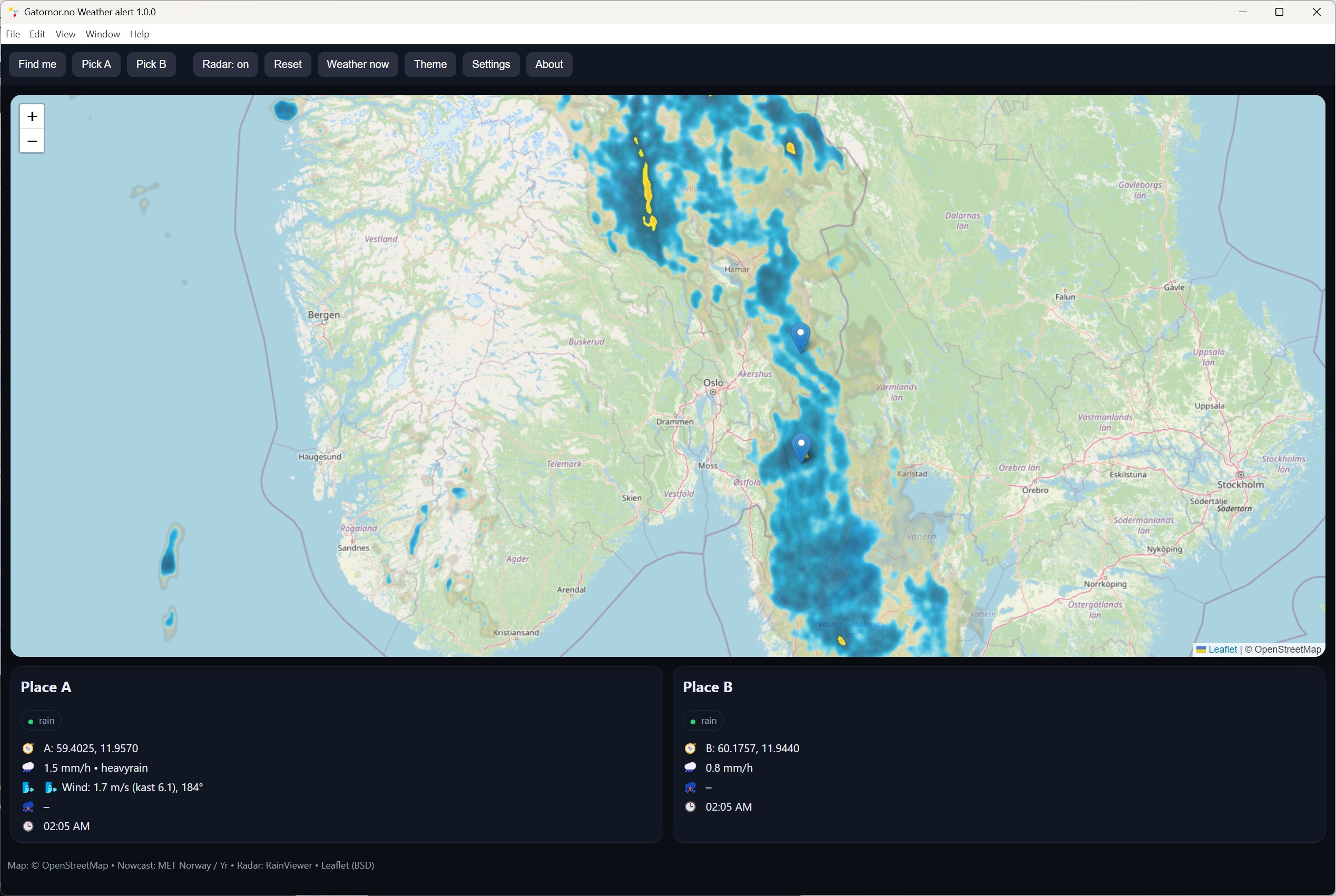
📍 Set Pick A / Pick B on the map or via search
🌧️ Real-time monitoring of precipitation and lightning
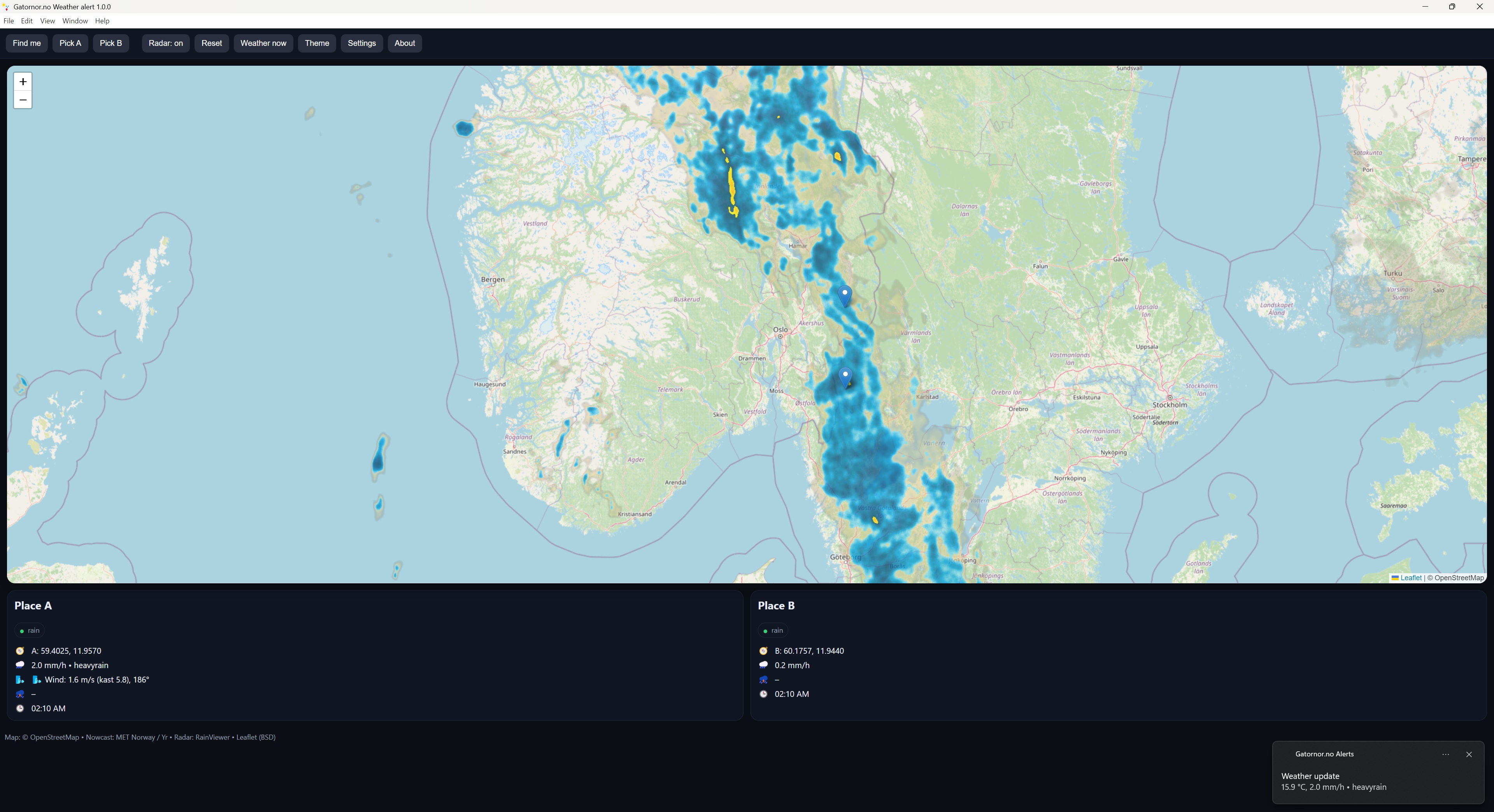
🔔 Windows notifications (toast + sound), works from the system tray
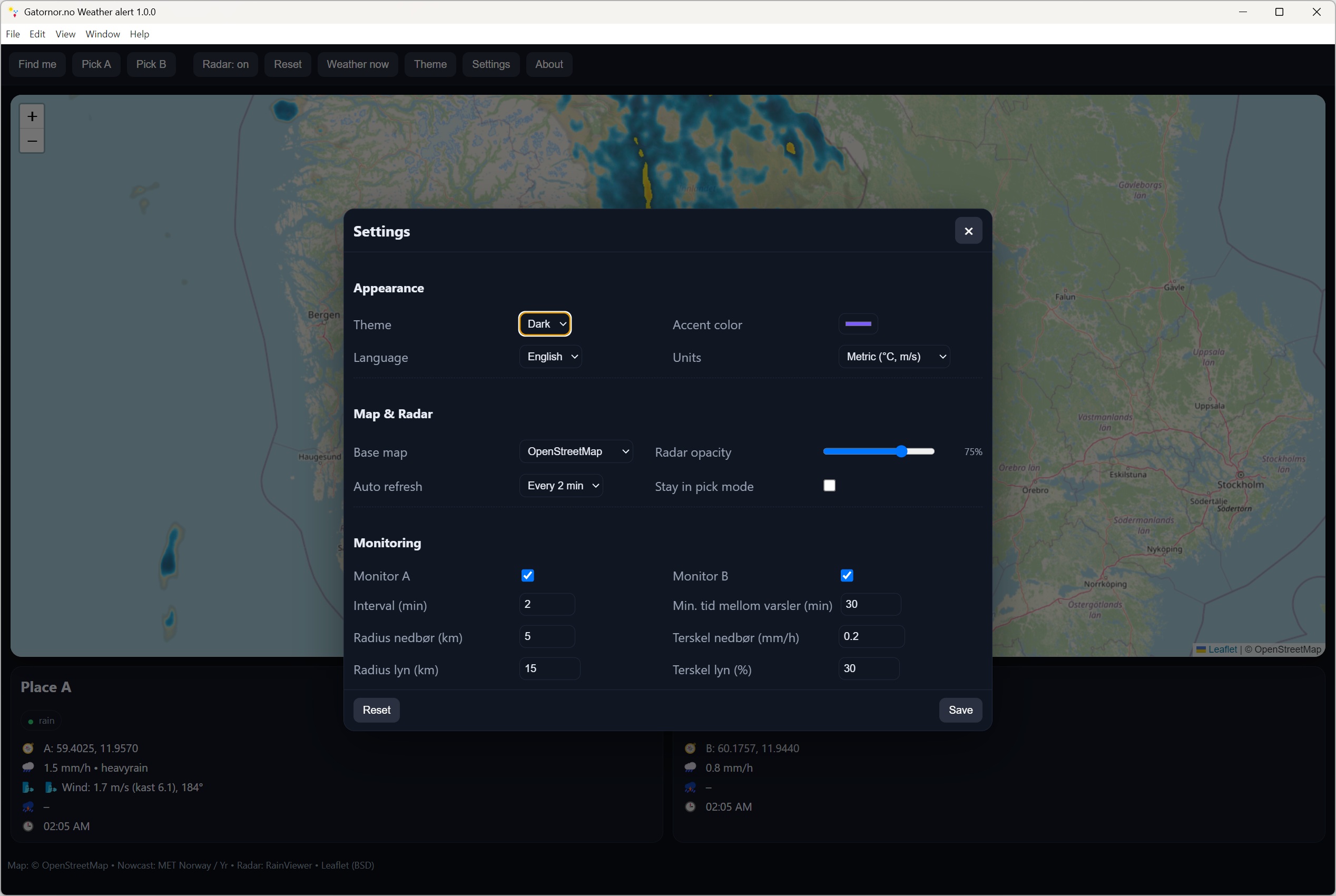
🧭 Custom radius for rain/lightning per point
🔒 No account, no tracking — everything stored locally
🖥️ Classic installer with folder selection
Get started
- Download alertssetup using the button above.
- Run the installer and choose the installation folder.
- Launch the app → press Pick A (and optionally Pick B) and click on the map.
- Open Settings → set your radius and enable the alerts you want.
- Minimize — the app lives in the system tray and alerts automatically.
Screenshots
System requirements
- Windows 10/11 (64-bit)
- CPU: 2+ cores • RAM: 4 GB (8 GB recommended)
- Disk: 200 MB free after installation
- Internet connection for map/alert data
Privacy
No data collected. Locations and settings are stored locally on your PC. No account, no third-party tracking, no ads in the app.
FAQ
Will I get alerts when the app is minimized?
Yes — it runs in the system tray and sends a toast notification + sound.
Can I change the radius?
Yes, per point in Settings.
Where does the data come from?
MET Norway/Yr + radar sources.
SmartScreen says the app is unknown?
New/unknown publisher often triggers a warning. Click More info → Run anyway.
Do you collect any data?
No. Everything is stored locally.
Changelog
1.0.0 – 02.09.2025
- First stable release
- Classic installer (folder selection)
- Notifications (popup + sound), Pick A/B, custom radius for rain/lightning
- “Weather Now” overview and improved Settings
Support
Email: Kontakt@GatorNor.no
Discord: #help on the GatorNor server